Technology at the Library
Sherwood Public Library has many types of technology available for the public. We are also here to help with your tech-related questions.
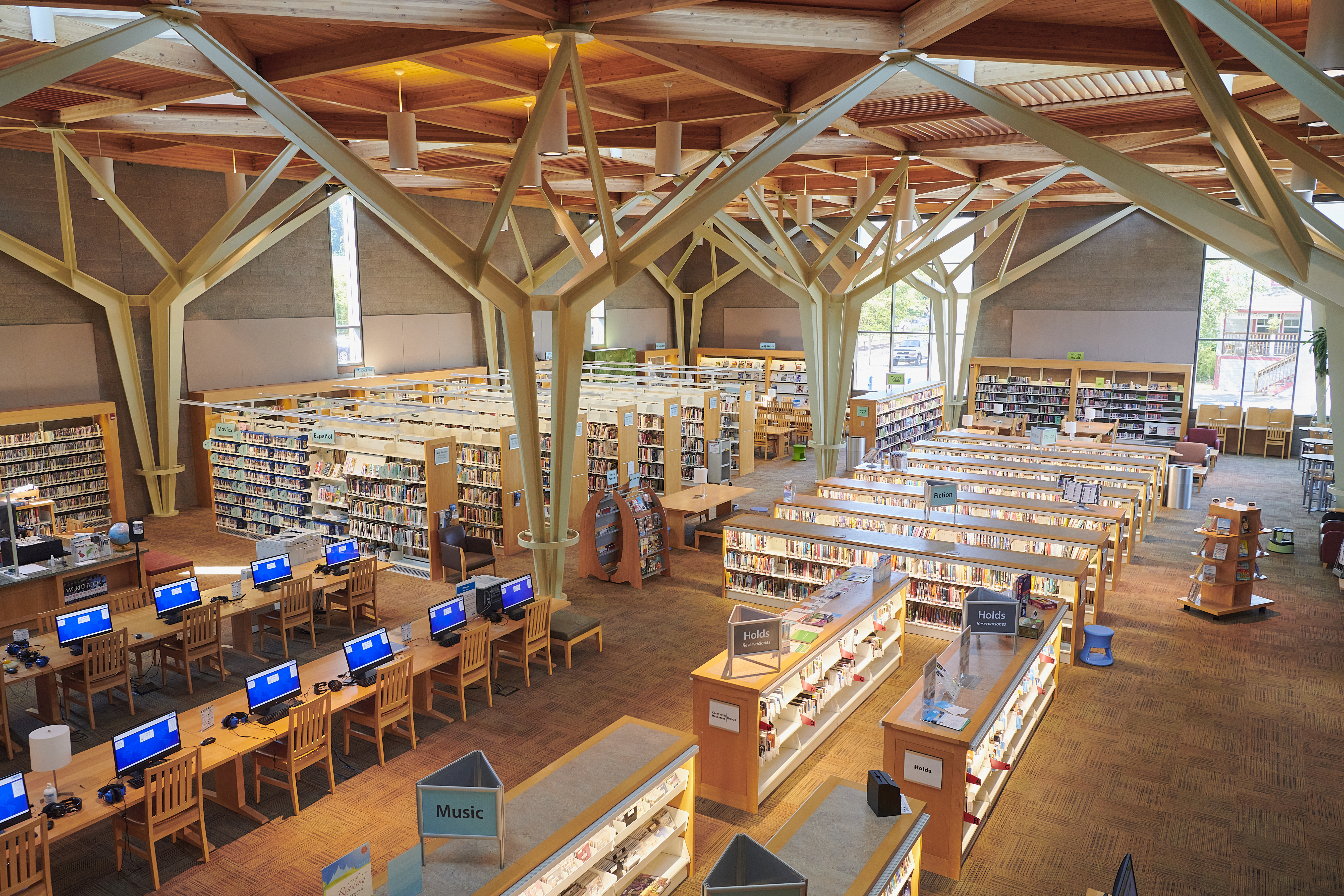
Sherwood Public Library has many types of technology available for the public. We are also here to help with your tech-related questions.
 Welcome to the City of Sherwood’s Notification System, the city’s latest tool for providing residents with immediate information and warnings on water contamination, extreme weather warnings, unexpected road closures, etc. This is a free service provided by the City of Sherwood.
The notification system provides residents with recorded telephone messages, text messages and email alerts.
NOTE: You will not receive unsolicited calls nor will your contact information be shared.
To receive messages, residents need to log onto www.mycallnow.com to create a personal account.
If you need assistance in registering, please contact our office for further details. 503-925-2315