Technology at the Library

Sherwood Public Library has many types of technology available for the public. We are also here to help with your tech-related questions.
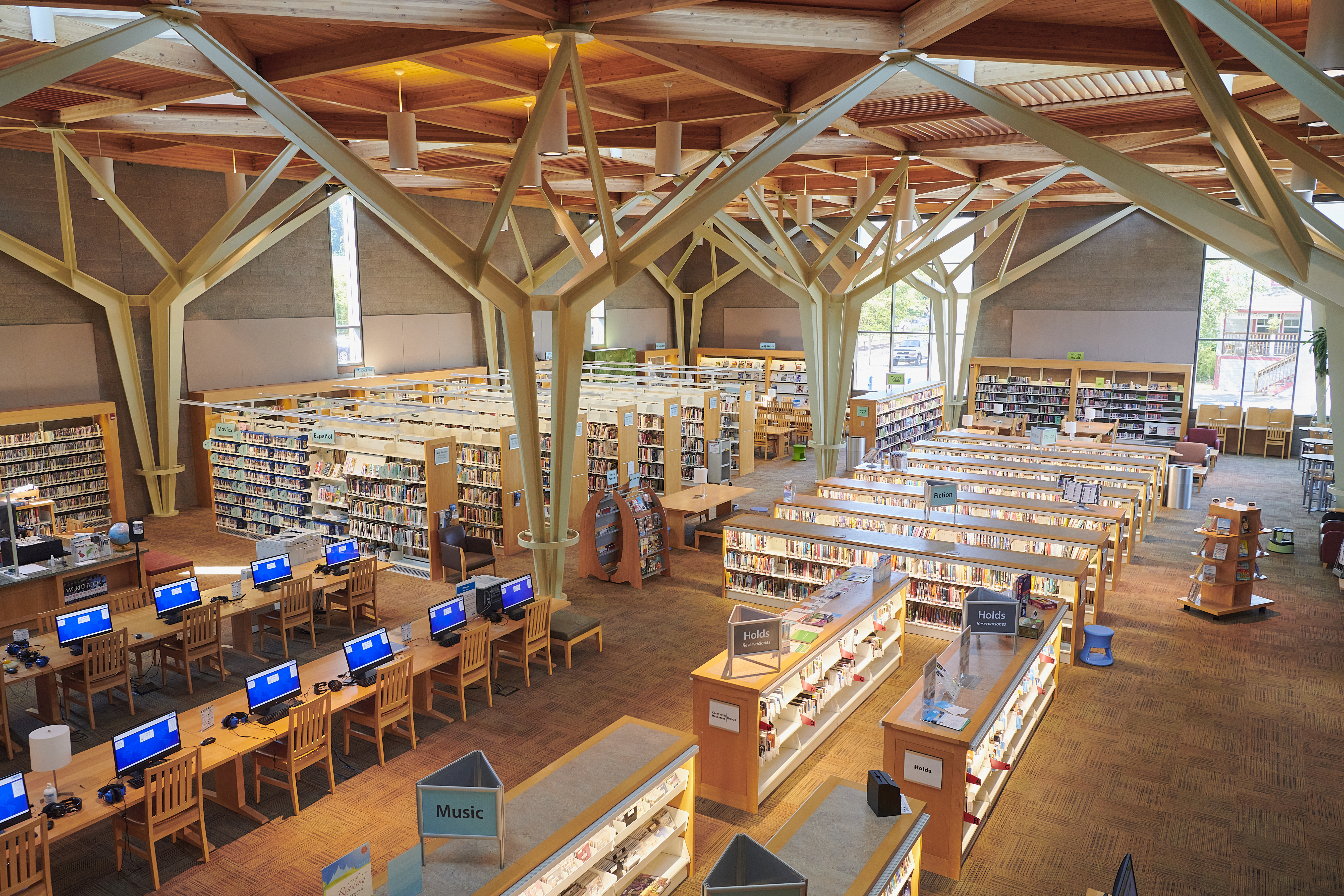

Spacious modern library interior with high wooden beams, filled bookshelves, and computer desks. Bright natural light creates a welcoming atmosphere.
  • Print and photocopy in black & white or color (self-service)
  • Prices:
    • Black & White—First 25 pages each day are free. $0.10 per side after that.
    • Color–$0.50 per side.
  • Print From Anywhere – Print from your computer or personal device, and pick it up at the library.
  • Free public-access internet on Windows 11 computers with a guest pass or library card
  • Microsoft Office software
  • Headsets with microphones
  • Accessibility tools available (specialty keyboards and mice, electronic desktop magnifier, JAWS and TypeAbility low-vision software, and more)
  • A dedicated content creation station for graphics and video editing.
  • One-hour sessions, extendable to two-hours
  • Windows 11 laptop with JAWS, TypeAbility, Microsoft Office, camera, and microphone for use in the library. Learn more about our accessibility tools.
  • Need quiet times? Before school is out, or after 5:00 p.m. on weekdays is best.
  • Connect to Sherwood Broadband on your personal device.
  • Open a browser to agree to the terms of use.
  • Scan to USB-A flash drives or public computers (#1 and #7 have scanners attached).
  • Scan in black & white or color.
  • 3D Printing services are available.
  • We use a Bambu X2D 3D Printer, and primarily use PET-G filament.
  • We charge $1 for 3D object printing.
  • Limit of two print jobs per month per person.
  • Library staff can often provide basic tech assistance in the library or by phone at the point of need.
  • For more in-depth or complicated topics, we recommend dropping in during Digital Navigator Tech Help hours or Tech Help appointments are available.
  • We can assist with various devices or technology needs, including:
    • E-books and audiobooks on Libby
    • Streaming video on Kanopy
    • Setting up new devices
    • Creating email and social media accounts
    • Password resets.
  • We cannot assist with some things, including:
    • Computer viruses
    • Hardware performance and maintenance
    • Entering sensitive information online
    • Providing tax, legal, medical, or business advice.
  • Device Charging– We have chargers for in-library-use for Micro-USB, Apple, and USB-C ports.
  • Flash drives (USB-A) are available for purchase.
  • Visit our Library of Things to check out gadgets and devices.

Related Links